
QuickBooks Online EDI: Stop Rekeying Data
 Cogential IT Editorial Team
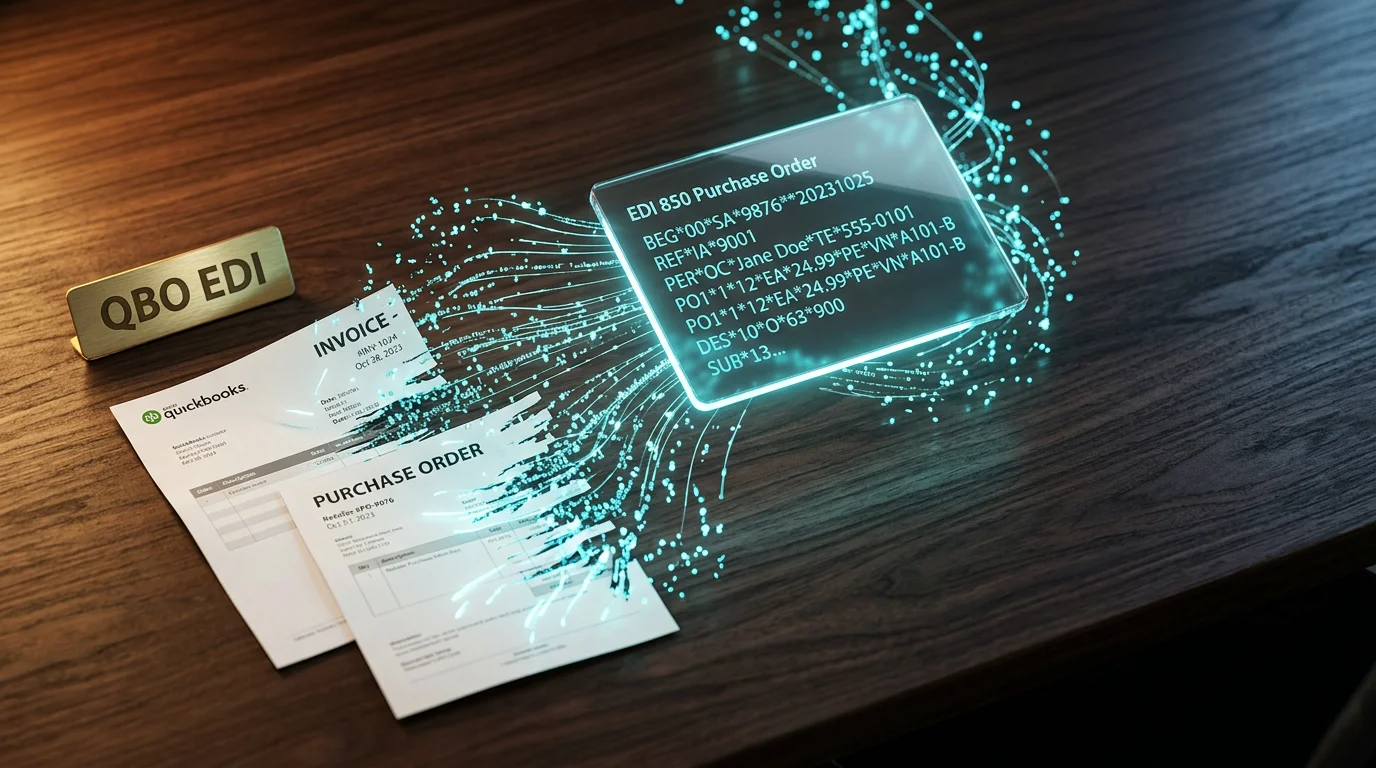
If you sell to retail chains from QuickBooks Online, you already know the weekly tax: a stack of PDF purchase orders on one monitor, QuickBooks open on the other, and someone typing the same line items twice. For a team processing 800 orders a month, that double entry can eat 30 to 40 hours of labor, plus the error correction that follows when a quantity or SKU slips. It is not a process problem; it is a connection problem.
The Weekly Tax of Selling to Retailers from QBO
Your buyer sends an EDI 810 invoice requirement. You print it, read it, and retype it. Your warehouse ships cartons. You log into a portal and retype the ASN 856. A customer changes an order by email. You update QuickBooks, then retype the change into a spreadsheet for the retailer. Each step is small, but the compound cost is real: slower cash flow, strained staff, and the occasional chargeback when data does not match.
The good news is that QuickBooks Online has APIs capable enough to eliminate most of this rekeying. The only piece missing is the translation layer between retailer EDI standards and QBO's data model. That is exactly what QuickBooks integration through an EDI provider delivers.
The Stack Most Sellers Are Running Today
Before we fix it, here is the architecture most QuickBooks sellers live with. Documents arrive in EDI format, sit in a mailbox or portal, and a person retypes them into QuickBooks Online.
Five Myths That Keep QBO Teams Rekeying Orders
We have talked with hundreds of small and mid-sized suppliers, and the same misconceptions come up almost every time. They sound reasonable, but each one keeps a team stuck in manual data entry. Here is the reality behind the five we hear most.
Myth 1: "QuickBooks Online cannot talk EDI"
QuickBooks Online does not ship with an X12 parser, and it will never speak EDI natively. That is true. But it does expose a modern API for invoices, sales orders, customers, items, and inventory. An integration layer reads EDI 850 purchase orders from your trading partner, translates them into QBO sales orders, and writes them back through the API. Outbound EDI 810 invoices work the same way in reverse.
Think of it like a universal adapter for a power outlet. The wall socket is EDI; your appliance is QuickBooks. You just need the right adapter between them.
Myth 2: "Big-box orders always need manual entry"
Retailers do not care how the data gets into your accounting system. They care that the 850 purchase order they sent matches the sales order you acknowledge and the 810 invoice you send later. A retail EDI sync moves those documents automatically so your team reviews exceptions rather than retyping routine orders.
The real manual work that remains is judgment work: should we split this shipment, is this customer on credit hold, did the buyer mean 12 cases or 12 units? That is worth a human. Retyping a 50-line PO is not.
Myth 3: "EDI is only for enterprise ERPs"
In the past, EDI required on-premise translators, dedicated VANs, and people who knew X12 syntax by heart. Today, cloud EDI solutions handle the heavy lifting for businesses running QuickBooks Online, Xero, or other cloud accounting tools. Small business EDI is now a standard offering, not a custom project reserved for Fortune 500 suppliers.
Myth 4: "Invoice automation is a phase-two project"
Teams often plan to automate purchase orders first and worry about invoices later. The problem is that invoice rekeying is where most errors show up: price mismatches, wrong remit-to addresses, duplicate invoice numbers. If you automate QBO invoices from day one, you remove the biggest source of retailer disputes and speed up accounts receivable.
When your warehouse confirms a shipment, the integration layer can generate the 810 invoice directly from the QBO invoice you already created. No second document, no second review, no second chance for a typo.
Myth 5: "You need an in-house EDI team"
You do not need to hire an EDI developer to support retail EDI. Most QuickBooks sellers use a managed EDI service for mapping, onboarding new trading partners, monitoring transactions, and fixing errors. You keep control of your business rules and QuickBooks data; the provider keeps the EDI plumbing running.
The Stack After QuickBooks Online EDI Integration
With a cloud EDI integration layer in place, the same documents flow through translation and validation, then into QuickBooks Online through its API. Your team reviews exceptions in a dashboard instead of retyping routine orders.
Build It, Buy It, or Use a Portal
Most teams choose one of three paths: build a custom integration, subscribe to a managed service, or use a Web EDI portal for manual upload and download. The right choice depends on document volume, technical capacity, and how quickly you need to go live. Companies that outgrow QuickBooks Online often move to platforms like NetSuite, Acumatica, or Sage. The same EDI integration principles apply, and the migration is easier if your item and customer cross-references are already clean.
| Approach | Setup effort | Monthly load | Best for |
|---|---|---|---|
| Build in-house | High: X12 parser, QBO API, mapping engine | Heavy: maintenance, partner changes, support | Teams with dedicated integration developers |
| Managed EDI service | Low to medium: mapping setup + testing | Light: monitoring and exception handling | Most QBO-based sellers to retail |
| Web EDI portal | Very low: browser login, manual upload | Medium: still touches every document | Low volume or testing new partners |
A Practical Way to Roll This Out
The fastest path to eliminating double entry is not a big-bang launch. It is a narrow pilot with your highest-volume retailer and one document type, then expansion. Here is the sequence we usually recommend.
The One Mistake That Keeps Even Good Integrations Rekeying
We have seen companies get the integration live and still end up manually fixing orders because one data field was mapped wrong: the retailer item number. Your buyer may call it SKU, UPC, GTIN, vendor item number, or a retailer-specific code. If the integration looks up the wrong field in QBO, every order fails validation and someone has to retype it anyway.
Fix this during the discovery phase, not after go-live. Compare a sample 850 from your retailer against your QBO item list line by line. If you do not have a clean cross-reference, build one before you flip the switch. The few hours spent here will save you weeks of exception handling later.
Conclusion
Double data entry between your retail customers and QuickBooks Online is not a permanent cost of doing business. It is a symptom of missing plumbing. With the right QuickBooks EDI integration, purchase orders become sales orders, shipments become advance ship notices, and invoices flow back to your buyers without anyone retyping them.
The best next step is a short discovery call where you map your current documents, identify your highest-volume trading partner, and decide whether a managed service or a portal makes sense for your volume. Talk to our team about your QBO EDI setup and we will help you build a plan that actually fits your business.
— Cogential IT Editorial Team, Integration Consultant, Cogential IT
Frequently Asked Questions
Discussion & Questions (0)
Get the Industry EDI Compliance Checklist
Use this checklist to prepare your Industry EDI workflow before onboarding.
Leave a Comment