
Oracle NetSuite EDI: Enhancing Business Workflows
 Emily Carter
Every manual order entered into your ERP costs your team roughly fifteen to twenty dollars in administrative labor. When you process 2,500 purchase orders a month across five major retail channels, retyping lines, checking inventory by hand, and building manual shipping notices burns over thirty thousand dollars every single month. Worse, a single transposed digit in a SKU number triggers retailer chargebacks that quickly wipe out your gross margin on the entire delivery.
Growing suppliers often treat order entry friction as a normal cost of doing business. It is not. Pairing your ERP with dedicated Oracle NetSuite EDI changes your operational equation entirely. Instead of hiring three additional clerks to keep up with seasonal spikes, an integrated data workflow automates order ingestion, warehouse staging, shipment tracking, and financial reconciliation within one centralized system.
The Root Cause: Why Disconnected NetSuite Workflows Break Down
NetSuite is an exceptional cloud ERP for financials, inventory management, and fulfillment. However, when trading partners send purchase orders over EDI networks, NetSuite cannot natively interpret raw EDI ANSI X12 or EDIFACT files without a translation layer. Without tight B2B EDI integration, your operations team ends up operating in two completely separate worlds.
Staff log into vendor portals, download PDF orders, and manually type line items into NetSuite sales order screens.
Orders sit in inboxes for hours before creation, causing stock allocations against items that already sold out elsewhere.
Delayed shipment notices and mismatched carton labels lead retailers like Target or Walmart to dock 2% to 5% of invoice totals.
Think of disconnected order processing like a busy restaurant where the front counter writes tickets in English, but the kitchen staff only reads French. If a runner has to translate each ticket by hand at the kitchen door, plates sit cold, ingredients run out unexpectedly, and orders go to the wrong tables. Direct integration builds an instant, automated translator right into the kitchen pass.
How End-to-End NetSuite EDI Data Flows
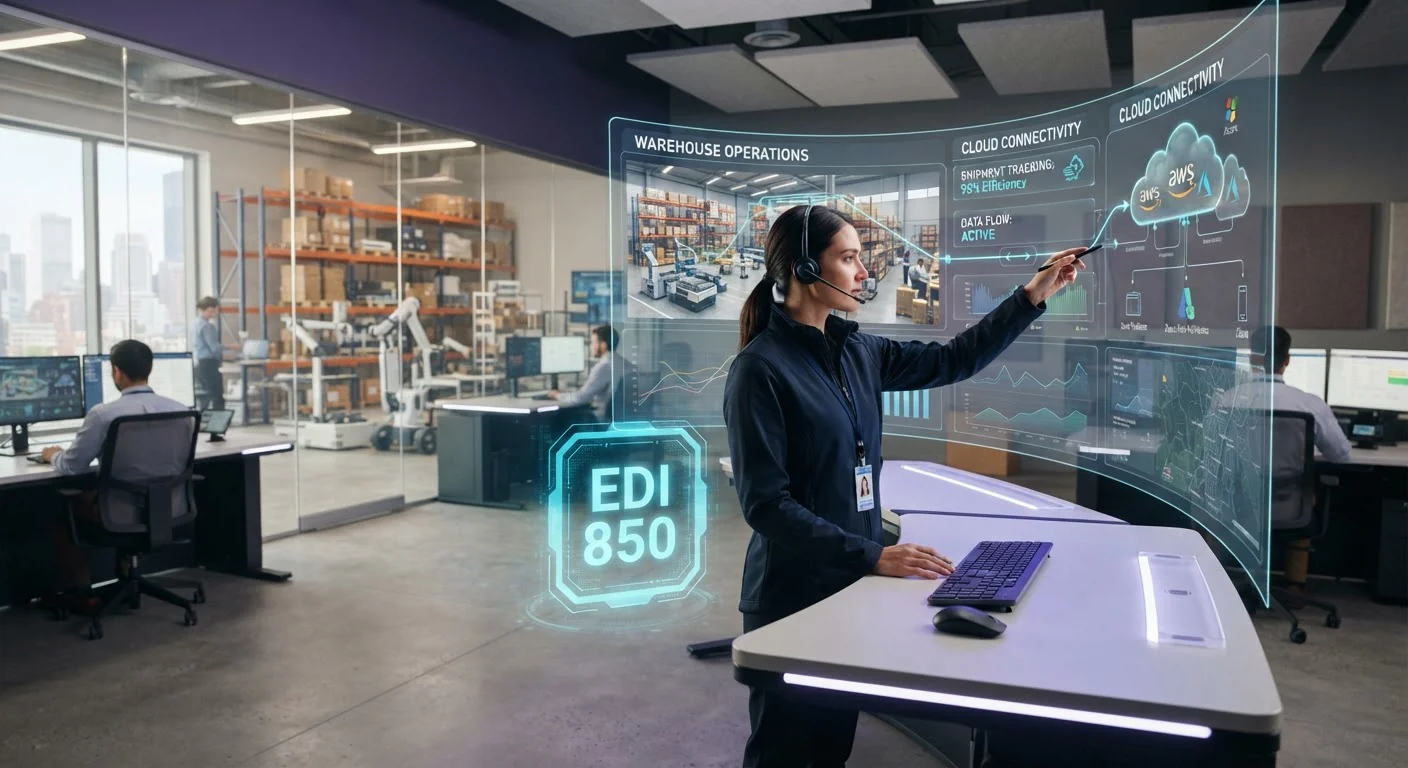
A properly architected NetSuite EDI integration handles the complete order-to-cash lifecycle without human intervention. The moment a retailer transmits an EDI 850 purchase order, the integration platform parses the segment data, validates customer records and pricing rules, and generates a native Sales Order inside NetSuite.
Once your warehouse picks, packs, and labels the goods, NetSuite marks the item fulfillment as packed. The integration captures carton-level details, generates UCC-128 barcode labels, and automatically transmits an EDI 856 ASN to notify the buyer before the truck arrives at their distribution center. When the shipment is complete, billing triggers an automated EDI 810 invoice to close the loop.
Five Steps to Implement NetSuite EDI Integration
Executing an EDI project does not require rewriting your core ERP logic. By following a structured integration plan, you can connect retail trading partners while maintaining daily shipping velocity.
Outbound Shipping and Fulfillment Automation
The fulfillment side of EDI is where integration delivers the highest return on investment. Generating complex shipping documents manually slows down your warehouse floor and introduces timing errors that lead directly to chargebacks.
When goods leave the dock, NetSuite updates shipment status in real time. The integration extracts package identifiers, bill of lading numbers, and carrier tracking codes directly from the item fulfillment record. This data transforms into an EDI 856 ASN and transmits automatically to the buyer. Organizations running similar enterprise platforms like Oracle Fusion Cloud ERP or mid-market solutions like Microsoft Dynamics 365 Business Central utilize this exact outbound model to keep fulfillment error rates below 0.1%.
Before and After: What Changes Once Integrated
Upgrading your order processing pipeline transforms daily operational rhythm across accounting, warehouse logistics, and customer service teams.
- Four to six hours average delay between PO arrival and NetSuite entry
- Frequent inventory stockouts caused by lag in allocated sales orders
- Chargeback penalties on carton label mismatches and late ASNs
- Manual invoice keying resulting in payment collection delays
- Sub-minute automated creation of NetSuite sales orders
- Real-time inventory allocation across all fulfillment nodes
- Zero label compliance errors with automated UCC-128 barcode mapping
- Instant electronic invoicing matching exact purchase order terms
Costly Integration Mistakes to Avoid
The most common failure in ERP EDI projects is treating the integration as a one-time IT task rather than an ongoing operational workflow. Trading partners regularly update their transaction guidelines, add new distribution centers, and change pallet labeling specifications.
Another frequent trap is skipping inventory synchronization. When selling across retail EDI channels and direct-to-consumer storefronts simultaneously, failing to send regular EDI 846 inventory updates allows buyers to submit purchase orders for out-of-stock items. Integrating automated inventory feeds keeps your retail buyers updated on exact available stock levels across your warehouse network.
Finally, avoid building point-to-point connections with custom API code for every new customer. Custom point-to-point scripts become brittle and difficult to maintain as your business scales to dozens of retail accounts. A standard, modular integration framework lets you onboard new retailers in days rather than months.
Upgrade Your NetSuite EDI Operations
Automating your order-to-cash process inside NetSuite protects your bottom line, eliminates fulfillment mistakes, and gives your business the scalability needed to handle high-volume retail accounts effortlessly.
If you are ready to remove manual order headaches and build a reliable, automated connection between your trading partners and your ERP, talk to our team about customized NetSuite integration solutions tailored to your supply chain.
— Emily Carter, Integration Consultant, Cogential IT
Frequently Asked Questions
Discussion & Questions (0)
Get the Industry EDI Compliance Checklist
Use this checklist to prepare your Industry EDI workflow before onboarding.
Leave a Comment