
QuickBooks EDI integration connects your accounting software with trading partners to automate the exchange of documents like purchase orders, invoices, and shipping notices.
Blog
Boost Efficiency with QuickBooks EDI Integration
 Cogential IT
Introduction
At CogentialIT, we understand that managing accounting and transaction data manually can slow down your business. That’s where QuickBooks EDI integration comes in—offering a smarter, automated way to handle purchase orders, invoices, and payment processing.
Why Integrate EDI with QuickBooks?
Manual data entry into QuickBooks often leads to errors, missed updates, and wasted time. With EDI-QuickBooks integration, you eliminate redundancy by automating data exchange between your business system and trading partners.
This ensures real-time syncing of orders, shipping notices, inventory levels, and invoices—allowing your team to focus on what truly matters: growth and customer satisfaction.
How QuickBooks EDI Integration Works
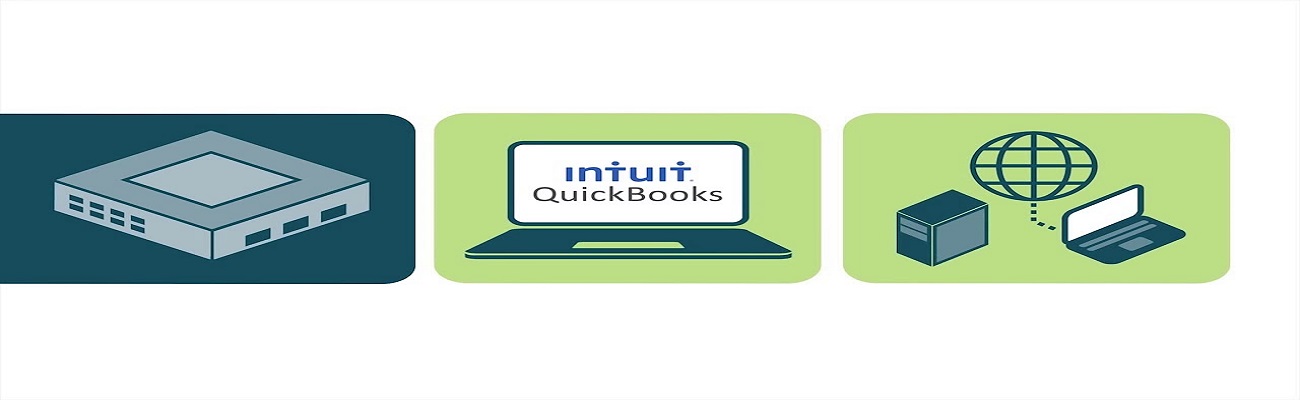
The integration uses middleware or connectors that convert EDI files into a format compatible with QuickBooks. These files are automatically imported and mapped to your accounts, customers, and inventory in QuickBooks.
Core Steps in the Integration Process
Step 1: EDI Document Exchange
Your trading partner sends documents such as purchase orders or invoices via EDI standards (e.g., ANSI X12).
Step 2: EDI Translation
The data is translated into a readable format and mapped to QuickBooks fields like vendor names, item SKUs, and transaction amounts.
Step 3: Data Sync with QuickBooks
Finally, the translated data is synced to QuickBooks, automating billing, inventory updates, and reconciliation.
Benefits of QuickBooks and EDI Integration
- Automated data processing: Eliminate manual entry and reduce human error.
- Faster order-to-cash cycle: Accelerate the time between purchase and payment.
- Better inventory tracking: Keep real-time stock levels in sync.
- Improved vendor relationships: Communicate accurately and consistently with partners.
Whether you're using QuickBooks Online or Desktop, Cogential IT provides scalable and customizable EDI solutions tailored to your business needs.
Also Read: Streamlining Data Processing with Shipping EDI Solutions
Frequently Asked Questions
What is QuickBooks EDI integration?
Which version of QuickBooks supports EDI?
Can QuickBooks EDI integration reduce manual work?
How secure is QuickBooks EDI integration?
Discussion & Questions (0)
Free checklist
Get the Industry EDI Compliance Checklist
Use this checklist to prepare your Industry EDI workflow before onboarding.
Document readiness checks
ERP and system integration planning
Testing and go-live support checklist
Exception and acknowledgment monitoring
Leave a Comment