
EDI 850 Purchase Order Processing Techniques and Best Practices
 Sarah Jenkins
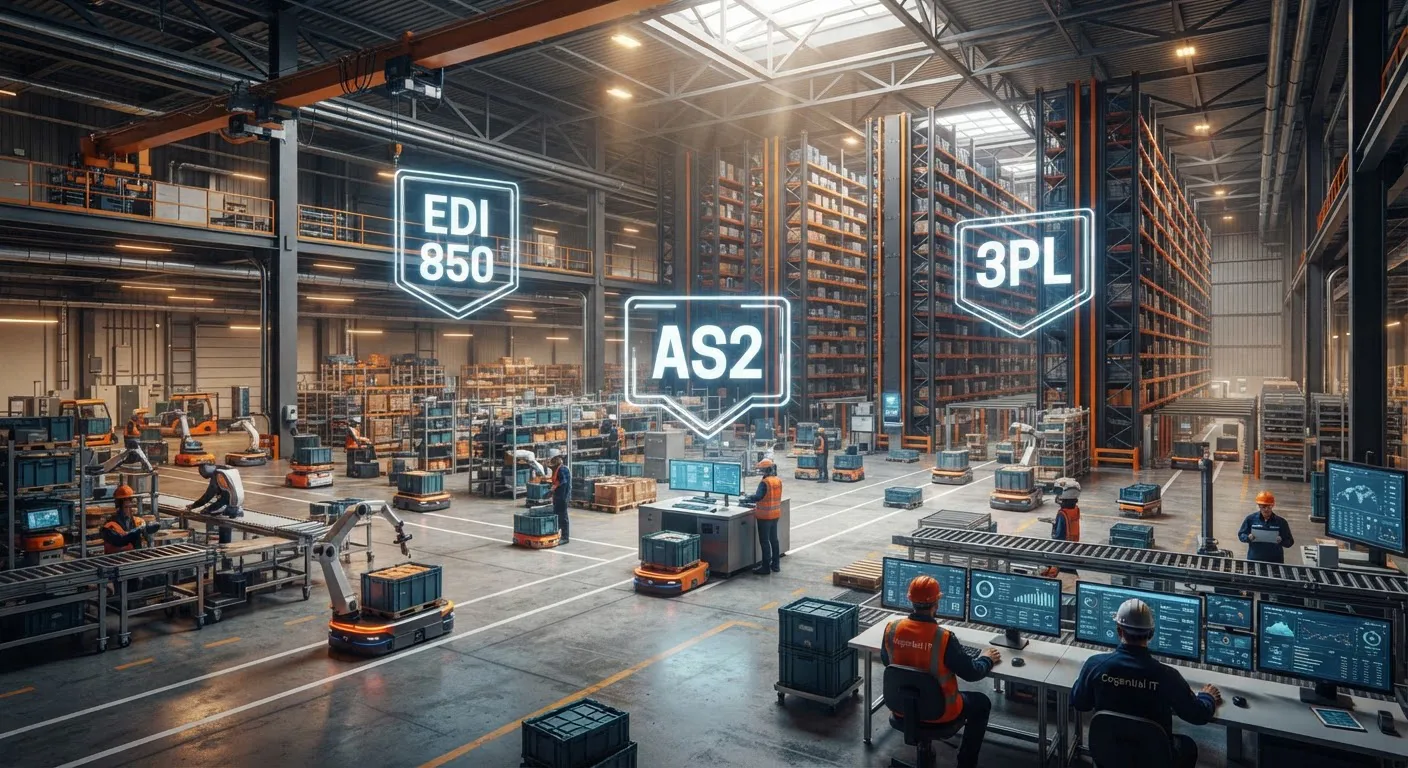
In high-velocity supply chain environments, the speed and accuracy of order intake dictate commercial survival. While consumer storefronts rely on click-to-buy checkouts, enterprise commerce runs on the ANSI X12 EDI 850 Purchase Order. This critical transaction set establishes the legal, logistical, and financial foundation of every business-to-business deal.
However, simply receiving an electronic file is not enough. Without optimized purchase order processing techniques, inbound transaction volume can quickly choke your operations with manual exception queues, misallocated inventory, and costly retailer compliance chargebacks. Transitioning from reactive file handling to automated, event-driven processing turns your supply chain infrastructure into a strategic competitive advantage.
Processing an EDI 850 involves more than just parsing syntax; it requires dynamic cross-referencing of internal master catalog data, real-time credit checks, automated multi-node inventory reservation, and instant acknowledgment orchestration.
Deconstructing the EDI 850 Data Anatomy
To implement reliable processing routines, solution architects must understand the nested hierarchy of the EDI 850 document. The transaction set is divided into three distinct operational areas: Header, Line Item, and Summary.
- Header Area (ST to DTM / N-loops): Identifies the administrative parameters. It contains the
BEGsegment (order type, PO number, date), currency specifiers, terms of sale (ITD), carrier details, and recurringN1throughN4loops detailing buyers, suppliers, bill-to parties, and final drop-ship locations. - Line Item Area (PO1 to SLN loops): Specifies the actual goods requested. The
PO1segment carries the line item number, quantity ordered, unit of measure, unit price, and buyer versus vendor product identifiers (e.g., UPC, GTIN, buyer part number). Sub-line items (SLN) and product descriptions (PID) convey packaging and configuration specifics. - Summary Area (CTT to SE): Closes the transaction. The
CTTsegment provides transaction totals and hash checks (such as line count or total quantity) to ensure transmission integrity before theSEsegment terminates the envelope.
High-Performance EDI 850 Ingestion Techniques
Modern B2B integration has evolved far beyond scheduled overnight batch scripts. Enterprise trading requires real-time responsiveness and resilient error trapping. Here are the core techniques leading logistics teams employ:
1. Dynamic SKU and Cross-Reference Mapping
Retail giants like Walmart EDI and Amazon EDI transmit item lines using their own Buyer Part Numbers (VN/BP/IN qualifiers), proprietary ASINs, or GTINs. High-performance translation engines automatically translate buyer identifiers to internal stock keeping units (SKUs) on the fly, referencing centralized translation tables to eliminate order creation delays.
2. Automated Deduplication and Idempotency
Network hiccups often cause trading partner EDI gateways to resend transmissions. If your translator blindly processes every incoming file, you risk creating duplicate sales orders in your warehouse management system. Effective processing frameworks enforce idempotency by cross-checking the sender's ISA interchange ID, the buyer's BEG03 PO number, and transmission timestamps before committing records to your ERP database.
3. Multi-Tier Business Validation Rules
Syntax validation only verifies that commas and segment delimiters conform to ANSI X12 standards. Business-tier validation checks whether the business terms are actually executable:
- Price Tolerance Checks: Compares the incoming
PO104unit price against agreed-upon contract matrices. - Distribution Center Verification: Checks the
N1*ST(Ship-To) identifier against active fulfillment center directories. - Minimum Order Quantity (MOQ) Assertions: Flags line items that fall below production or pallet thresholds.
| Processing Technique | Latency | Exception Handling | Ideal Use Case |
|---|---|---|---|
| Legacy Batch Processing | 2 to 6 Hours | Manual file log review | Low-volume suppliers with periodic orders |
| Event-Driven AS2/SFTP Ingestion | Under 30 Seconds | Automated email alerts, staging queues | Tier-1 retail vendors and high-volume brands |
| Hybrid API-EDI Orchestration | Sub-Second Real-Time | Dynamic error webhooks and live re-routing | Omnichannel brands and real-time drop-shippers |
Direct ERP Integration Architectures
Translating an EDI 850 file is only half the battle. The true performance unlock occurs when your EDI translation pipeline integrates directly with your core enterprise resource planning platform via dedicated ERP integration solutions. Rather than dumping raw CSV exports onto local staging servers, enterprise systems orchestrate two-way programmatic handshakes. For instance, teams deploying NetSuite EDI integration can instantly transform inbound PO line data into native Sales Order records while validating inventory availability. Similarly, mid-market manufacturers using QuickBooks EDI integration or enterprises running Microsoft Dynamics integration and SAP ECC integration benefit from real-time customer ledger synchronization, dynamic tax calculation, and automated warehouse routing without touching a single keyboard.
Connecting your order pipeline directly into our broader enterprise EDI solutions enables intelligent drop-ship routing, automatic backorder splits, and immediate dispatch alerts across external third-party logistics networks via warehouse and 3PL EDI systems.
Orchestrating the Complete Order-to-Cash Cycle
The EDI 850 never operates in isolation. It serves as the opening move in a highly orchestrated choreography of electronic documents designed to keep buyers and suppliers completely synchronized.
- EDI 997 / 999 Functional Acknowledgment: Confirms syntax-level acceptance or rejection within minutes of file delivery.
- EDI 855 Purchase Order Acknowledgment: Informs the buyer whether each item line is fully accepted, backordered, changed, or rejected.
- EDI 856 Advanced Shipping Notice (ASN): Dispatched when goods leave the loading dock, detailing carton-level SSCC barcodes via an EDI 856 ASN.
- EDI 810 Invoice: Programmatically generated upon shipment confirmation to request payment via an automated EDI 810 Invoice transaction.
| Common EDI 850 Error | Root Cause | Automated Processing Technique |
|---|---|---|
| Invalid Ship-To (N1*ST) Code | Buyer opened a new distribution center not yet mapped in supplier ERP. | Dynamic GLN lookup fallback and exception routing to master data administrators. |
| Price Discrepancy (PO104) | Buyer ordering under outdated promotional pricing sheets. | Automated EDI 855 generation accepting order with corrected pricing flag. |
| Duplicate Transmission (BEG03) | VAN or AS2 retry policy fired during temporary network outage. | Interchange-level deduplication filter drops duplicate and re-sends original 997. |
| Discontinued Part Number | Retailer ordering an obsolete item code. | Automated SKU supersession mapping to current replacement item or line-item rejection. |
Why Modernizing Your EDI Ingestion Architecture Matters
Legacy EDI translators often run as isolated software silos requiring dedicated maintenance. Modern high-growth enterprises utilize fully managed cloud EDI solutions that blend traditional ANSI X12/EDIFACT standards with API-first business agility.
By shifting to an automated processing framework, organizations minimize order turnaround times, improve scorecard metrics with enterprise buyers, and eliminate late-shipment chargebacks. Learn more about our background and capabilities by reading about Cogential IT and discover how our managed integration services help businesses scale effortlessly.
Frequently Asked Questions
Ready to Automate Your Purchase Order Workflow?
Eliminate manual data entry, prevent costly compliance chargebacks, and achieve flawless end-to-end order processing with Cogential IT.
Schedule a Free Integration ConsultationDiscussion & Questions (0)
Get the Industry EDI Compliance Checklist
Use this checklist to prepare your Industry EDI workflow before onboarding.
Leave a Comment