
Dynamics 365 BC EDI: Retail Order Workflows
 Cogential IT Editorial Team
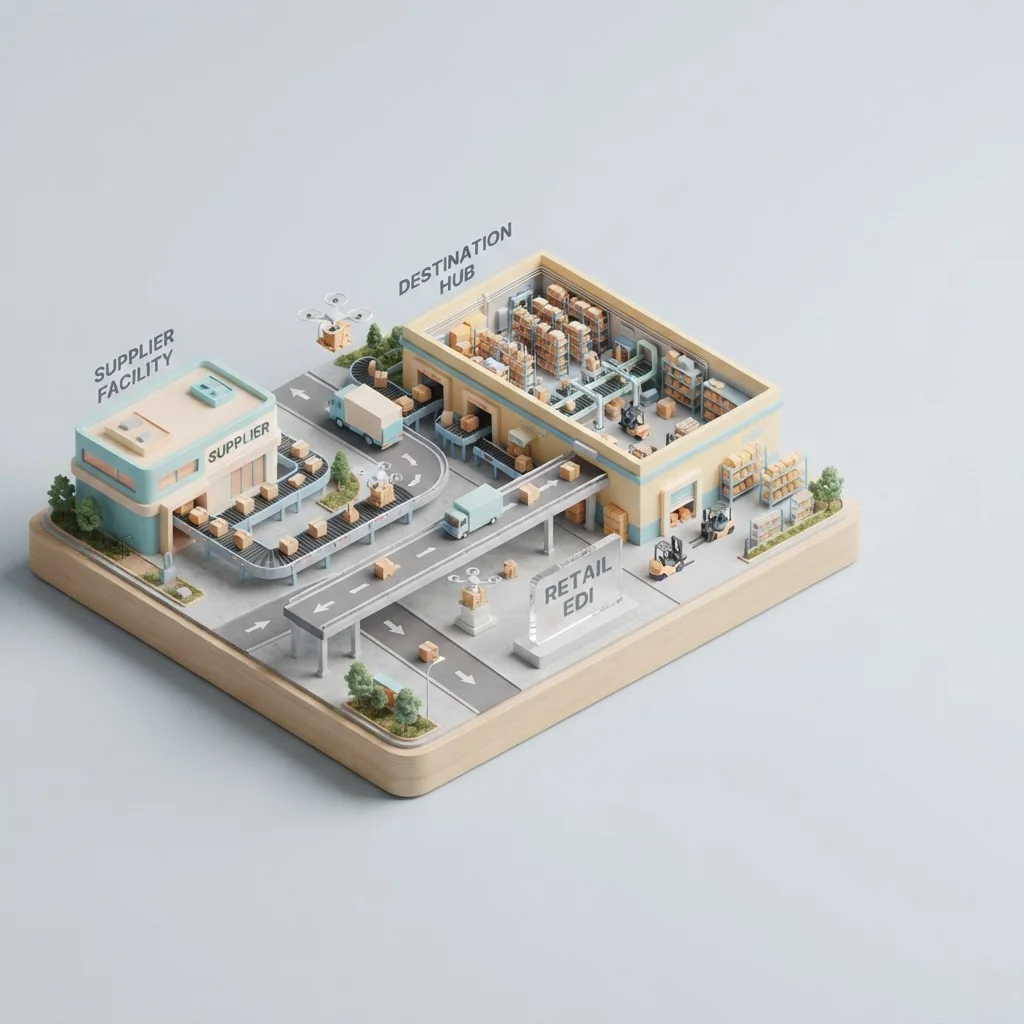
You Don't Need a Bigger ERP. You Need EDI That Lives Inside Business Central.
Most retail suppliers hit the same wall after they land a big-box account. Orders start arriving as EDI 850s, compliance documents show up before the first shipment, and someone on the team asks whether Dynamics 365 Business Central is "big enough" for retail EDI.
It is. The real question isn't ERP size; it's whether your EDI layer is bolted onto D365 BC like an afterthought, or wired into it the way inventory, sales orders, and warehouse transactions already are.
When EDI is treated as a separate translator that dumps flat files on a folder, your team ends up re-keying data, chasing ASNs, and explaining chargebacks that could have been prevented. When EDI is native to Business Central, the same purchase order that arrives at 2:00 a.m. can become a sales order, a pick list, and an Advance Ship Notice without anyone touching a spreadsheet.
The Question I Hear on Almost Every Discovery Call
"We're running D365 BC. We're about to onboard a major retail customer. Should we build EDI inside Business Central, plug in a VAN, or hand the whole thing to a managed service?"
There is no universal answer. The right path depends on your document mix, your partner count, how much BC customization you already have, and whether your IT person is a BC specialist or the person who also fixes the printer. What I can give you is a decision framework that keeps you from buying the wrong thing twice.
The inbound retail order. In D365 BC this typically becomes a sales order or, for some workflows, a blanket order line.
Your promise back to the buyer: quantities accepted, ship dates confirmed, substitutions flagged.
The "it's on the truck" message, including carton-level detail and tracking numbers.
The invoice that must match the PO, the ASN, and the receiving record before payment.
What "Native to Business Central" Actually Means
People use the word "native" to mean a lot of things. In the context of Dynamics 365 Business Central integration, I mean EDI documents map directly to BC tables and pages. The 850 doesn't land as a CSV for someone to import. It is parsed, validated, and written into the Sales Order table using the same item, customer, and unit-of-measure logic your warehouse team already trusts.
The payoff is that order data, inventory allocations, and shipment records stay in one system. When the retailer rejects a line because the UPC changed, you fix it once in Business Central and the next outbound 855, 856, and 810 all reflect the correction.
Decision Factors: How to Pick the Right EDI Path
Before you sign anything, run through these five factors. They will tell you whether you need a Web EDI portal, a full B2B EDI integration, or a managed EDI service.
1. Document Volume and Frequency
If you are receiving a few hundred purchase orders a month from one or two retail partners, a Web EDI portal where a clerk logs in, reviews, and posts orders to BC may be fine. At a few thousand documents a month, manual posting becomes a full-time job and the error rate climbs. That's the point where direct integration pays for itself.
2. Partner Compliance Complexity
Not all retail EDI is the same. A mid-market apparel buyer might accept a standard X12 856. A major grocery or club chain may require carton-level GS1-128 labels, serialized pack configurations, and ship-notice envelopes that must match their routing guide exactly. The more mandatory fields and validation rules, the more you want an integration layer that can version mappings per partner without rewriting BC extensions.
3. Existing BC Customizations
Heavy customizations in item cards, units of measure, or sales order workflows can complicate EDI mapping. The mapping engine needs to understand your custom fields, not just standard BC tables. If your BC instance is close to out-of-the-box, integration is faster. If it is heavily tailored, plan for a mapping discovery phase.
4. In-House BC and EDI Skill
Do you have someone who can read an EDI spec, debug a mapping error, and explain it to your warehouse manager? If the answer is no, a managed service will save you from 2:00 a.m. calls about rejected ASNs.
5. Growth Trajectory
If you are adding one or two retail accounts a year, point-to-point integration may be enough. If you are onboarding a new trading partner every quarter, you need a scalable onboarding process with reusable templates. Otherwise each new retailer becomes a custom project.
Three Scenarios Most D365 BC Retailers Fit Into
Here is how the decision factors usually shake out in practice.
Scenario A: Emerging Retail Supplier
You have one or two retail customers, moderate volume, and a small team. Web EDI is often the right starting point. Your team logs into a portal, reviews the 850, confirms or adjusts quantities, and posts the order to BC. The retail EDI solutions built for this tier keep upfront cost low and let you prove the process before automating it.
Scenario B: Established Supplier with Multiple Retailers
You are shipping to several big-box accounts, each with different routing guides. Direct B2B EDI integration into Business Central is the better fit. Orders flow in automatically, acknowledgments go back within your SLA, and ASNs are generated from warehouse shipment data. This is where purchase order 850 automation and ASN 856 generation become daily background processes rather than manual tasks.
Scenario C: Fast-Growing Supplier Without Internal EDI Expertise
You are adding retailers faster than you can hire. A managed EDI service handles mapping, onboarding, monitoring, and partner compliance, while Business Central stays your system of record. This is the right path when EDI is business-critical but not a core competency you want to build internally.
What the Implementation Timeline Really Looks Like
Most D365 BC retail EDI projects move in three phases. The exact duration depends on partner count and mapping complexity, but this is a realistic baseline.
Gather each retailer's EDI specs, routing guides, label requirements, and test schedules. Identify which BC tables and custom fields will be involved.
Configure inbound 850 to BC sales order, outbound 855/856/810 from BC shipment and invoice events, and 997 functional acknowledgments.
Run test documents with each retailer, fix validation errors, and pass compliance certification before going live.
Simple single-partner projects can compress to four weeks. Multi-partner rollouts with custom BC extensions may stretch to twelve. The biggest schedule killer is usually discovering late in the project that the retailer's spec version is different from the sample documents they sent.
Risks to Watch Before You Go Live
Even a well-planned project can trip over a few predictable issues. Here are the ones I flag with every D365 BC retail team.
Silent Mapping Assumptions
Your mapping partner assumes the retailer's N1 segment always contains the same ship-to. The retailer assumes you know their holiday blackout rules. Neither assumption is written down. Build a partner-specific mapping workbook and have both sides sign off before testing starts.
Version Drift
Retailers update EDI specs. If your integration is hard-coded, a spec update becomes a development project. A configurable mapping layer lets your operations team adjust qualifiers and segments without touching AL code.
ASN Timing and Accuracy
The 856 is where most chargebacks originate. It has to match what physically shipped, arrive within the retailer's window, and contain valid tracking or bill-of-lading numbers. Automating the ASN from BC shipment data is safer than typing it from a packing list.
Invoice Mismatch
Retailers match the 810 invoice against the 850, 856, and their receiving record. If prices, quantities, or dates drift between documents, payment gets held. Keep PO, shipment, and invoice data tied to the same BC source record.
Which Path Should You Take?
If your volume is low and your team prefers visual review, start with a Web EDI portal connected to Business Central. If you have multiple retail partners and need straight-through processing, invest in direct B2B EDI integration. If EDI compliance is critical but not a skill you want to own, a managed EDI service is the least risky path. In all three cases, the goal is the same: make EDI feel like part of Business Central, not a separate island.
For most retail suppliers on D365 BC, the sweet spot is a connector that understands both the ERP's data model and the retailer's X12 requirements. That combination is what turns order intake from a daily firefight into a background operation.
Conclusion
Retail EDI for Dynamics 365 Business Central is not about buying a bigger system. It is about connecting the system you already have to the retailers you want to keep. The same principles apply whether you are running Business Central today or considering a move within the Microsoft Dynamics family.
The right approach depends on volume, compliance complexity, and how much EDI expertise you want inside your four walls. Get those decisions right, and Business Central becomes the quiet engine behind your retail order flow.
If you're evaluating EDI options for your D365 BC environment, talk to our integration team about a fit assessment and onboarding plan.
— Cogential IT Editorial Team, Integration Consultant, Cogential IT
Frequently Asked Questions
Discussion & Questions (0)
Get the Industry EDI Compliance Checklist
Use this checklist to prepare your Industry EDI workflow before onboarding.
Leave a Comment