
Best Buy EDI Guide for Compliance and Setup
 Rahul Verma
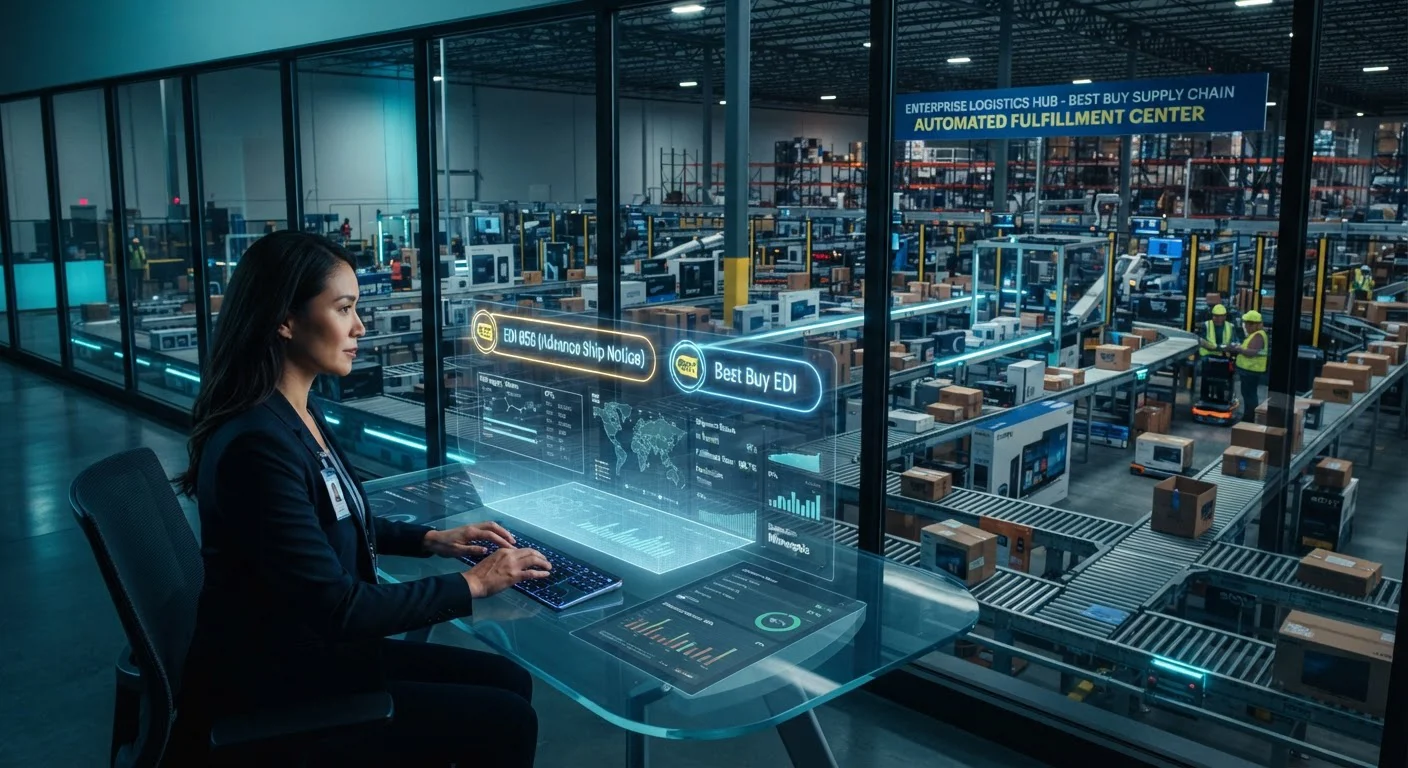
Why did Best Buy hit your vendor account with a chargeback on an order your warehouse shipped exactly on time?
It is one of the most frustrating calls a supplier can get. Your physical operations ran like clockwork. The pallets left the dock on schedule, the carrier arrived on time, and the electronics reached the distribution center in mint condition. Yet weeks later, your finance team spots a deduction on the remittance advice. The culprit was not the freight or the hardware. It was an electronic data interchange failure: an out-of-sequence Advance Ship Notice, a malformed carton barcode, or a missing purchase order acknowledgment.
Selling to a major retailer demands total alignment between physical inventory and data transmission. When you exchange electronic documents with Best Buy, precision is non-negotiable. This technical guide breaks down why compliance breakdowns happen, how the core transaction loop operates, and what steps you can take to build a bulletproof B2B EDI integration that protects your revenue margins.
The Root Causes Behind Best Buy Compliance Penalties
Retail chargebacks do not occur out of malice. Large retailers run highly automated distribution centers designed around high-velocity cross-docking. When a truck pulls up to a facility, robotic sorters and scan tunnels read the GS1-128 shipping labels on incoming pallets and cartons.
If the scanning hardware reads a barcode that does not exist in their staging database because your Advance Ship Notice failed to transmit ahead of arrival, the automated line stalls. A dock worker must intervene manually, divert the freight, inspect the packing slips, and key details by hand. That manual intervention incurs labor costs, and Best Buy passes those expenses directly back to the vendor.
The three most frequent triggers for deductions include:
- Timing Latency: Generating the electronic document hours after the carrier leaves the facility, resulting in the shipment arriving before the ASN has parsed into the retailer's warehouse management system.
- Hierarchical Mismatches: Sending a Pack-level notice when the retailer expected a Pick-and-Pack structure, or reporting incorrect unit counts within serialized master cartons.
- Barcode Discrepancies: The Serial Shipping Container Code on the physical box failing to match the corresponding 20-digit string inside the EDI 856 ASN data payload.
Core Transaction Sets in the Best Buy Trading Relationship
Communicating with Best Buy involves standard X12 document sets, but each transaction contains vendor guidelines you must mirror exactly inside your translation engine.
Purchase Order: Details requested items, store allocations, distribution centers, cancel dates, and strict shipping windows.
PO Acknowledgment: Confirms order receipt, accepted line items, backorders, or pricing changes within the mandatory response window.
Advance Ship Notice: Maps the packaging structure down to individual carton SSCC numbers, carrier SCAC codes, and tracking identifiers.
Invoice: Mirrors the purchase order terms, quantities shipped on the ASN, and accounts payable remittance data.
For drop-ship or direct-to-consumer fulfillment programs, two additional messages become vital: the EDI 846 Inventory Inquiry and the EDI 870 Order Status Report. The 846 ensures that Best Buy website shoppers do not purchase items that are out of stock in your warehouse, updating inventory positions several times per day.
Step-by-Step Guide to Best Buy EDI Compliance
Achieving a reliable setup is not just about translating files. It requires a deliberate workflow connecting your communication layer, business logic, and back-office financial systems.
The Architecture of an Integrated Fulfillment Flow
To see how data moves in a high-efficiency environment, examine how an incoming electronic order travels from Best Buy servers into your distribution center and out to billing settlement without human intervention.
In this workflow, the sales order generates instantly inside your accounting system upon receiving the 850. Warehouse staff pick items based on real-time routing instructions. As pallets are shrink-wrapped and loaded, the dock scan triggers the generation of the EDI 856. The system dispatches the ASN before the carrier driver signs the bill of lading, ensuring complete compliance with Best Buy intake timelines.
Manual Portal vs Fully Integrated Operations
Suppliers starting out often use web-based vendor portals. While functional for tiny volumes, portal operations present significant bottlenecks as your account scales.
- Manual copy-pasting into accounting software
- High probability of rekeying errors and SKU typos
- Carton labels printed independently of warehouse scans
- Frequent ASN timing delays leading to chargebacks
- Struggles when order volume exceeds 200 orders a month
- Automated order creation within minutes of release
- Flawless inventory synchronization across systems
- Direct connection between barcode scan and ASN creation
- Immediate dispatch of EDI 810 invoices upon shipment
- Scales effortlessly to thousands of orders each day
Implementation Roadmap for Best Buy Onboarding
Building a fully certified electronic pipeline requires strict project milestones to avoid launch delays.
Review Best Buy latest routing guides, obtain vendor communication IDs, verify qualifier codes, and establish AS2 connection endpoints.
Map inbound purchase orders into your back-end format. Construct outbound ASN packaging logic and invoice tax segments to comply with retail guidelines.
Connect translators directly to sales processing via modern APIs or staging connectors. Enable automatic GS1-128 barcode printing during the packing routine.
Complete scenario validation with retail testing teams, transmit physical carton samples for optical inspection, and transition to live production order handling.
Common Integration Mistakes to Avoid
Even seasoned operations teams stumble on specific retail nuances when building connections to national big-box stores. One frequent oversight involves changes to distribution center routing. Best Buy periodically updates distribution center numbers or splits deliveries between regional facilities and direct store delivery. If your integration relies on hardcoded DC numbers rather than dynamic mapping tables from the incoming 850 PO, cross-dock shipments will be routed to incorrect hubs.
Another classic breakdown occurs during partial fulfillments. If a purchase order requests 1,000 units of a high-demand home audio accessory, but your facility only has 600 units available for immediate dispatch, how your integration reports the remainder is critical. Sending an ASN with unannounced line discrepancies without updating the 855 acknowledgment can trigger immediate scorecard demerits.
Finally, do not overlook invoice reconciliation segments. Best Buy requires invoice lines to match purchase order line item numbers, unit prices, and allowances exactly. If your enterprise system automatically recalculates freight charges or splits taxes into line items that do not appear on the original order, the 810 will get rejected, stalling your cash flow.
Managing high-volume retail trading relationships demands dependable technical architecture. When your communication pipelines, business rules, and ERP integration operate harmoniously, EDI transforms from a compliance hurdle into a serious competitive advantage.
Ready to streamline your retail operations and eliminate compliance penalties? Talk to our EDI integration specialists today to build a dependable, automated integration for your business.
— Rahul Verma, Integration Consultant, Cogential IT
Frequently Asked Questions
Discussion & Questions (0)
Get the Industry EDI Compliance Checklist
Use this checklist to prepare your Industry EDI workflow before onboarding.
Leave a Comment